Fashion design tool
Design the whole collection.
Generate visual assets, develop color and materials, draw editable garment flats, and direct agents in one shared canvas.



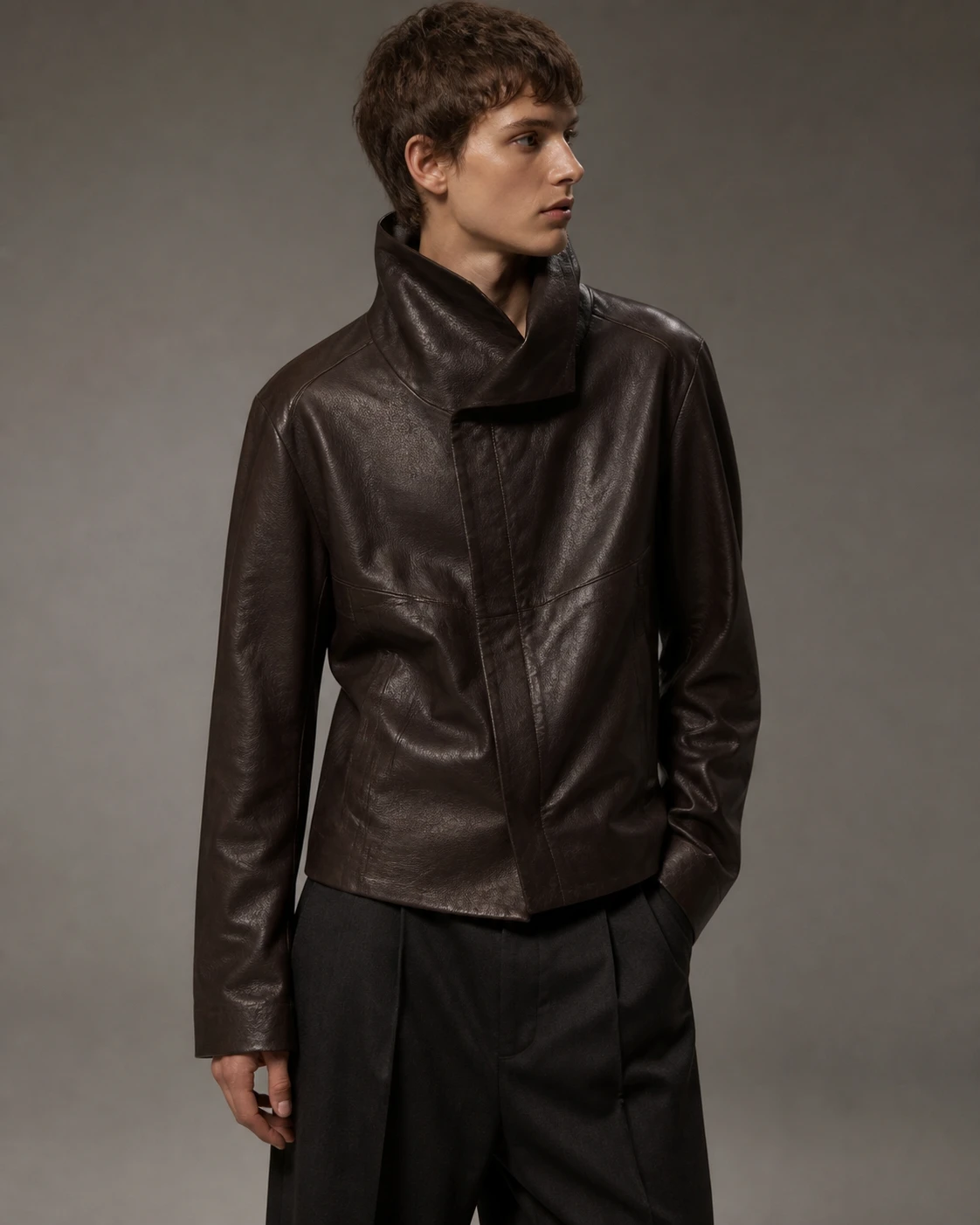
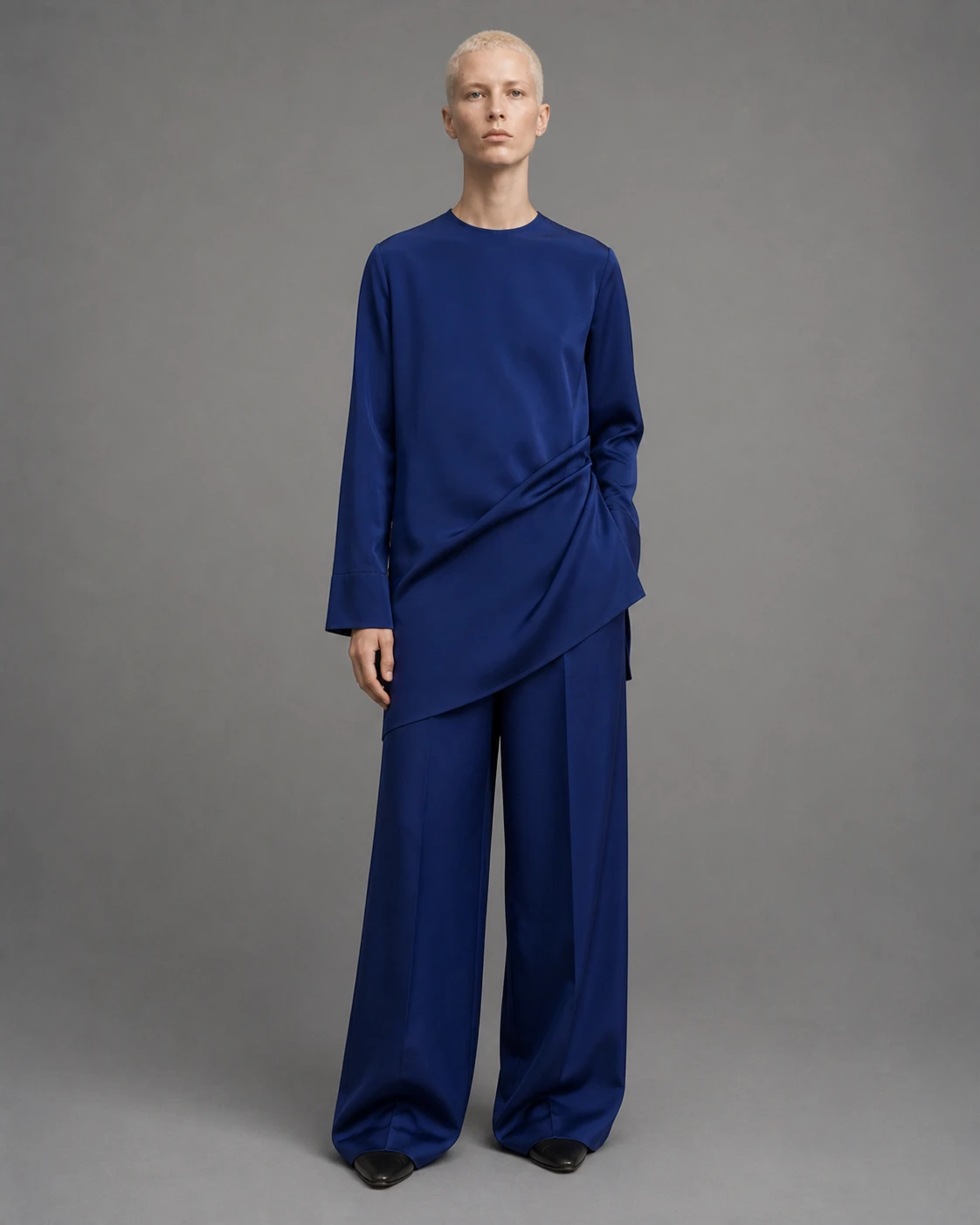
One canvas for people and agents.
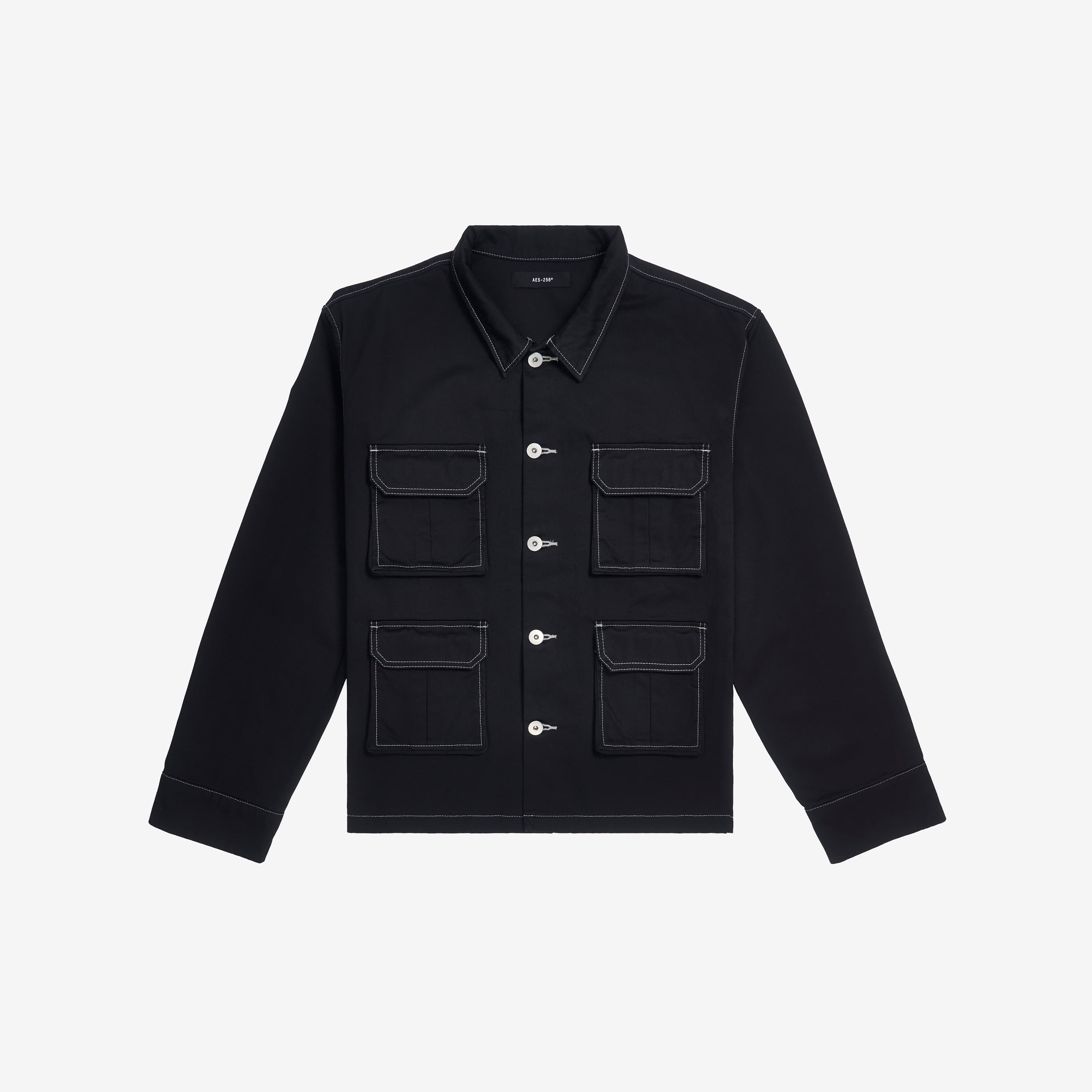
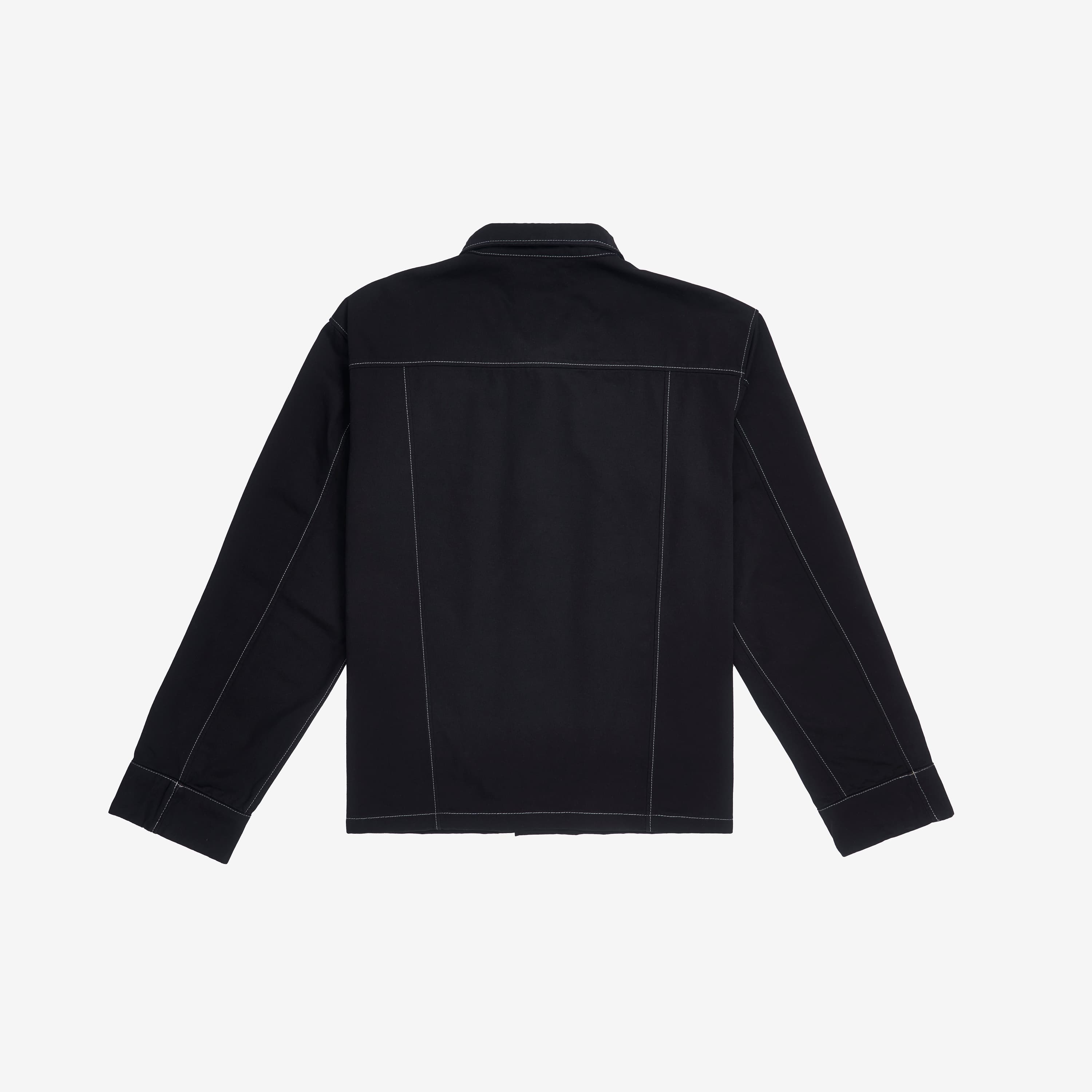


Build the system around each garment.
Pull colors, materials, and flats from your studio library, save new assets back for reuse, and keep linked styles and tech packs synchronized.
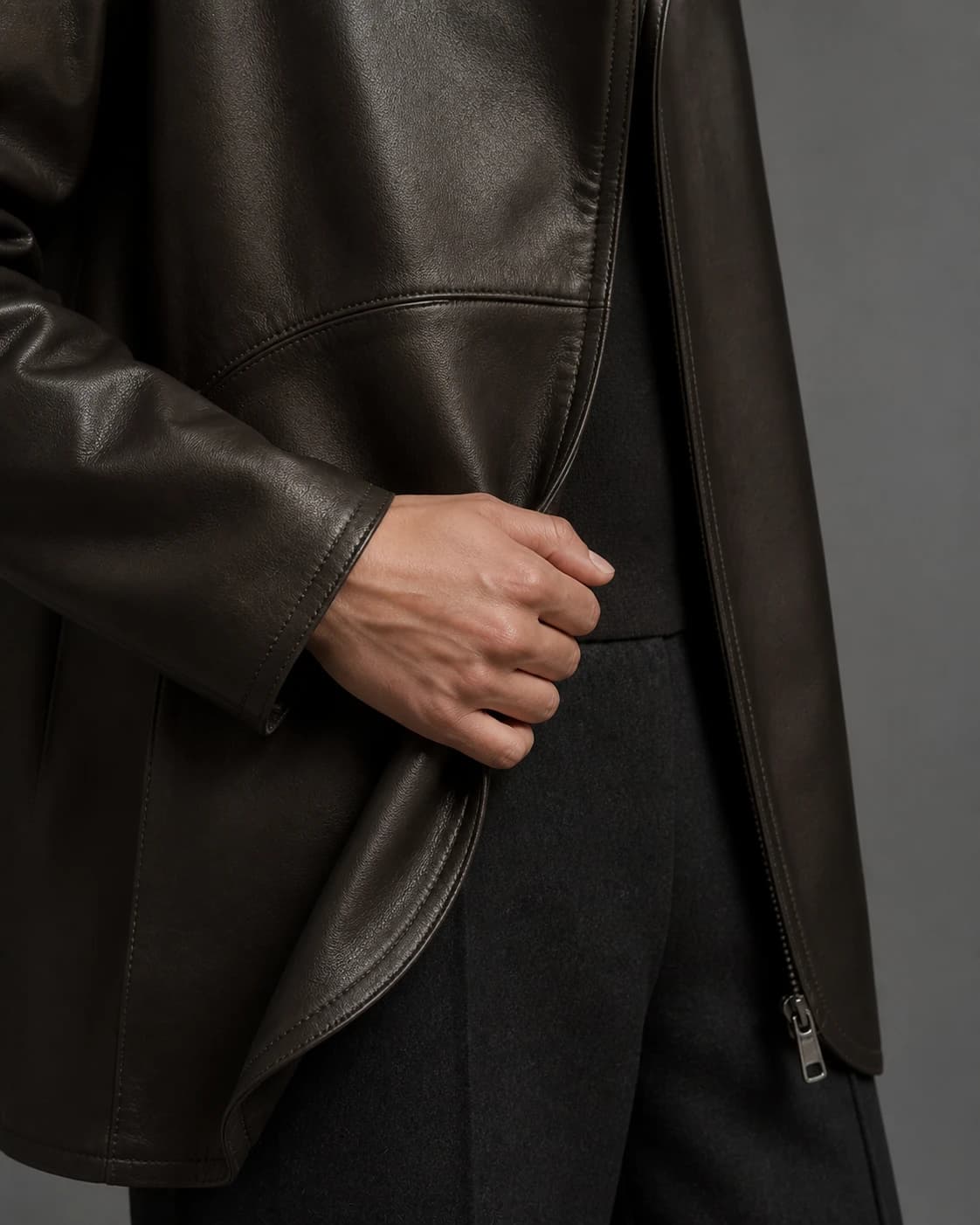
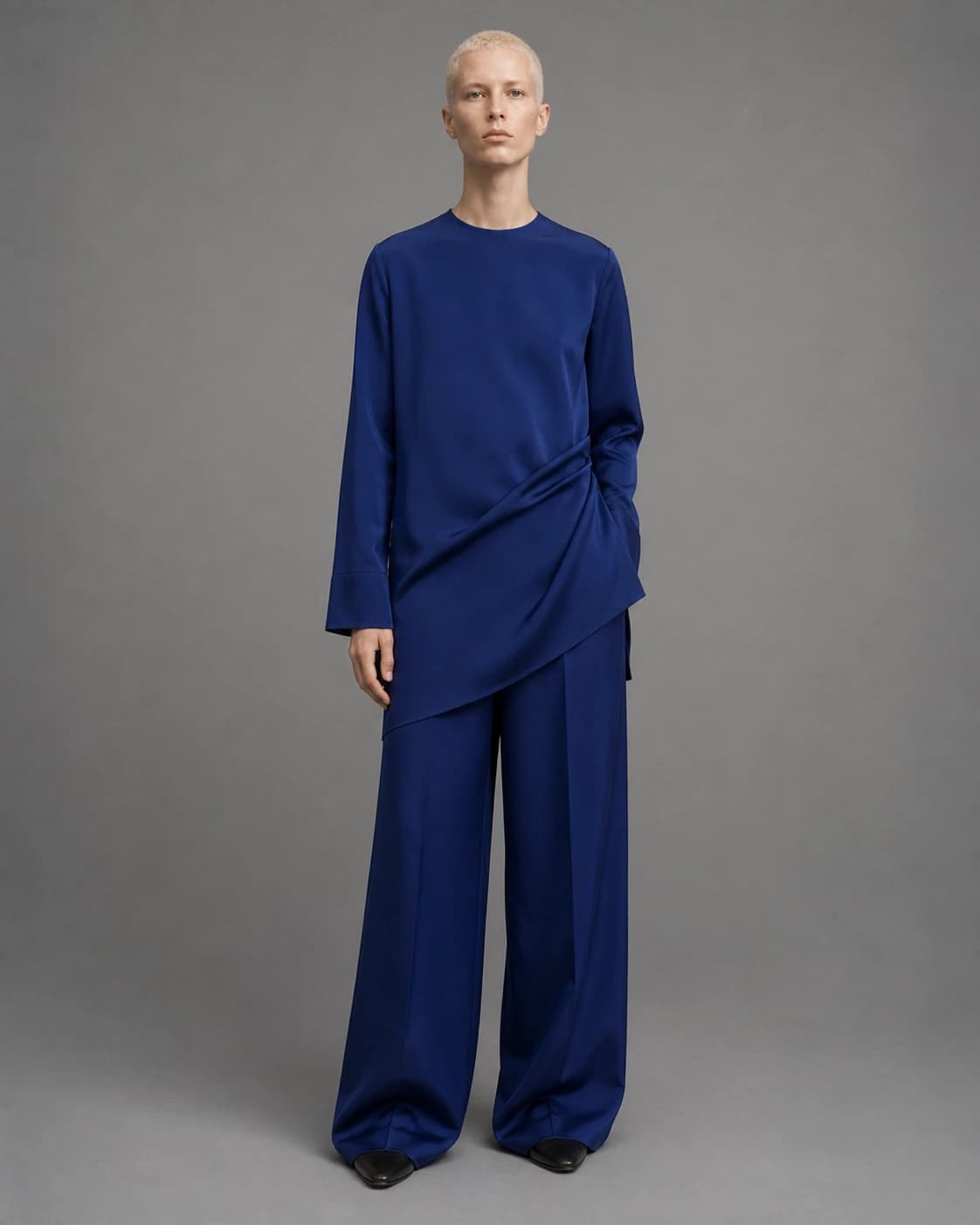
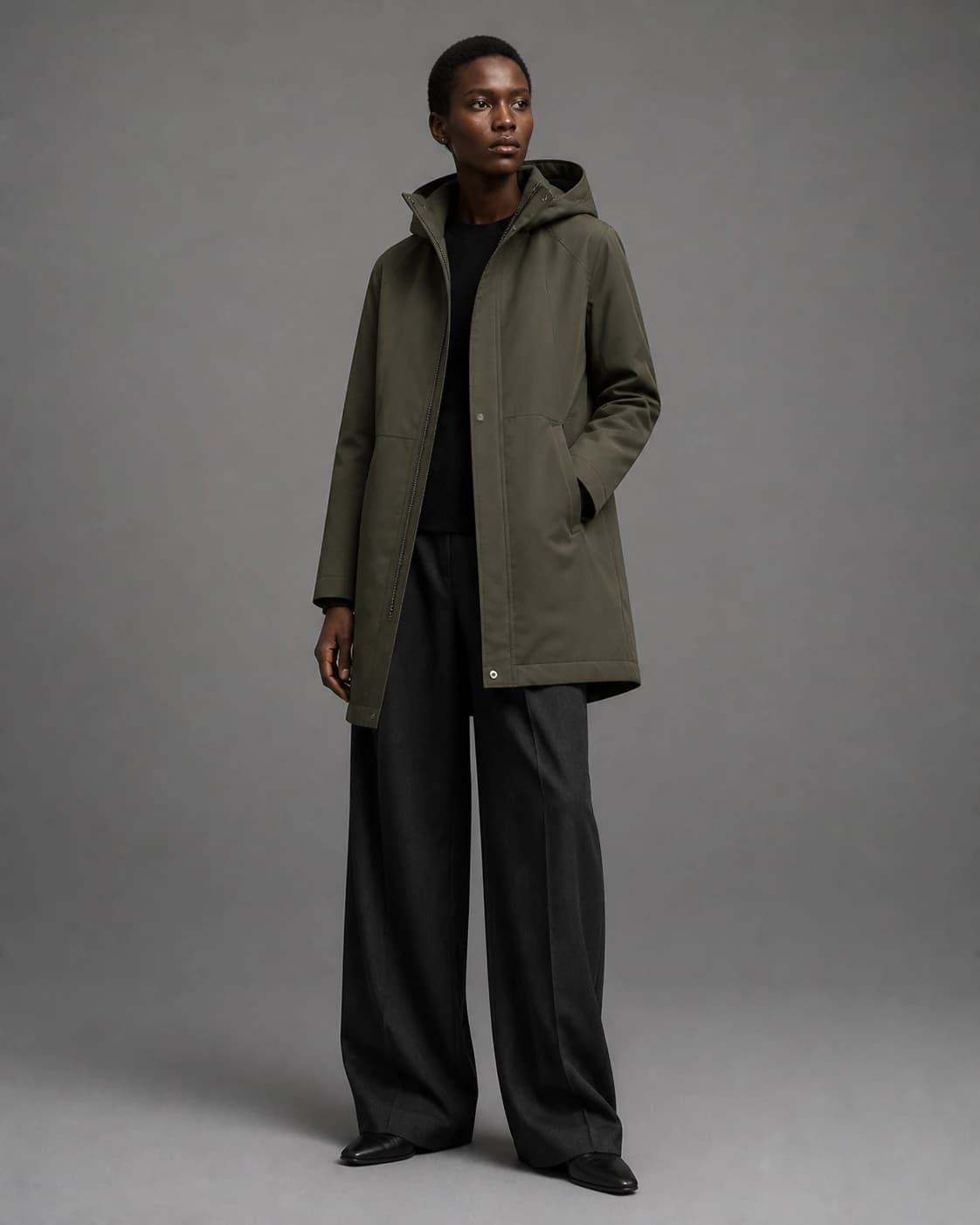
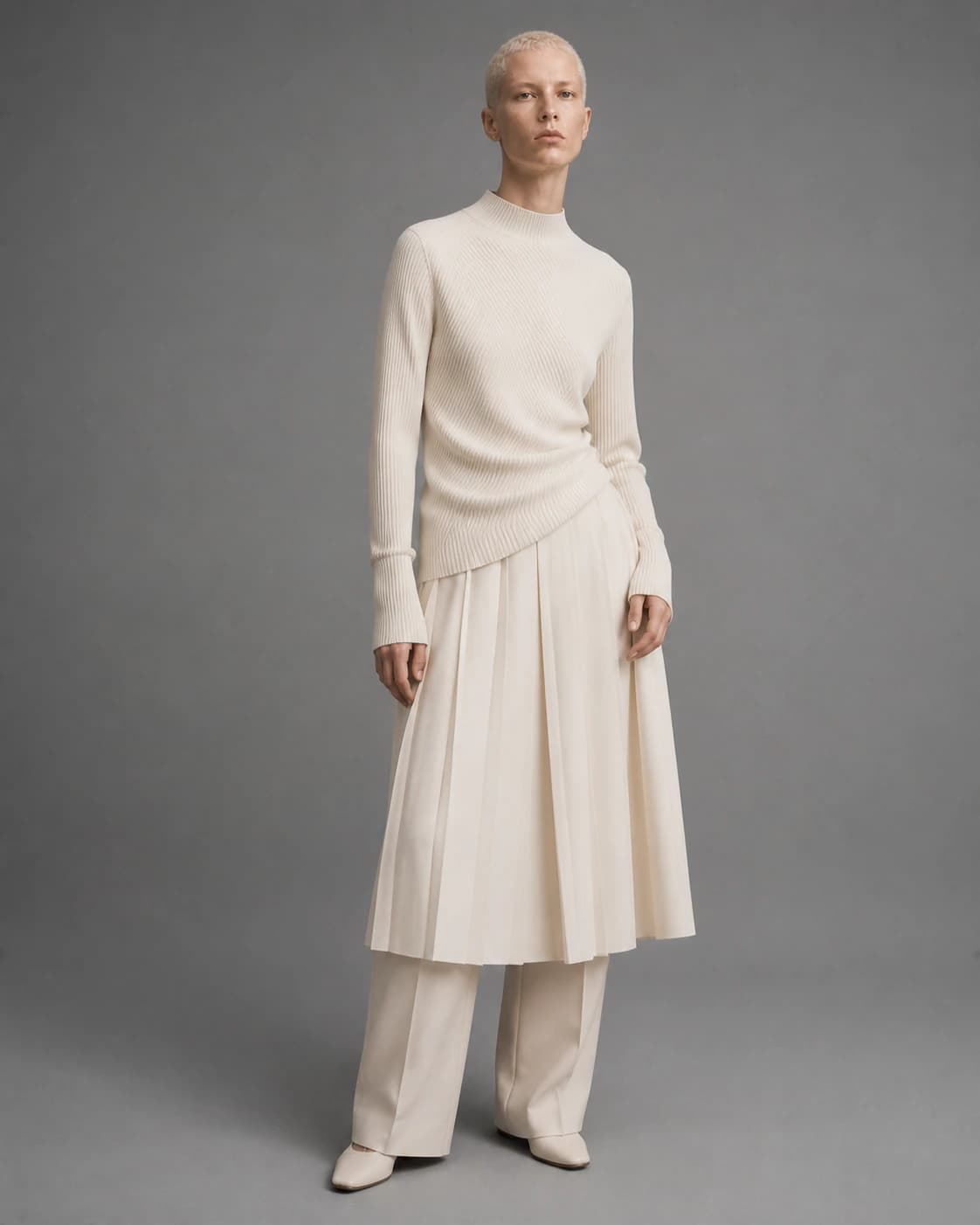
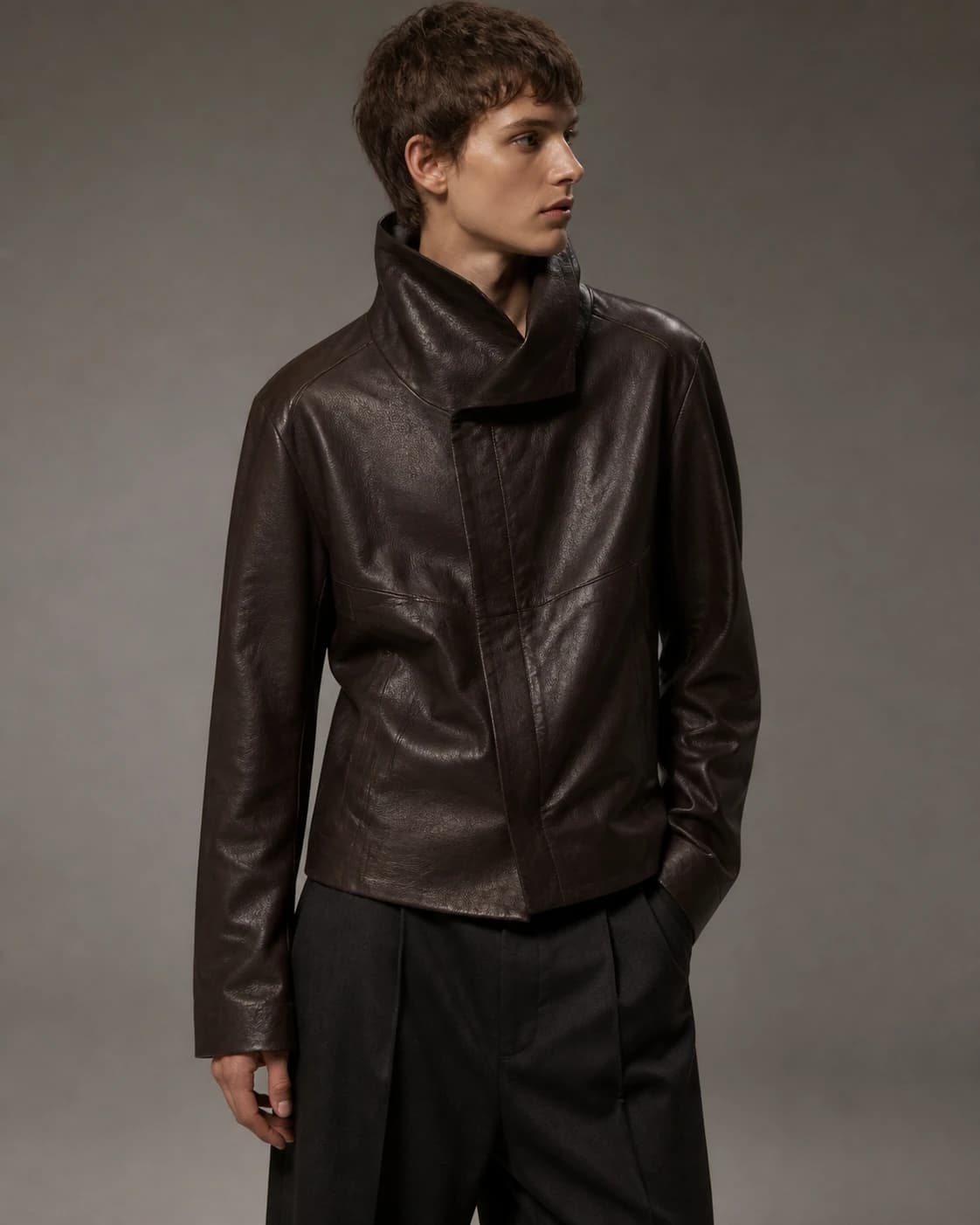
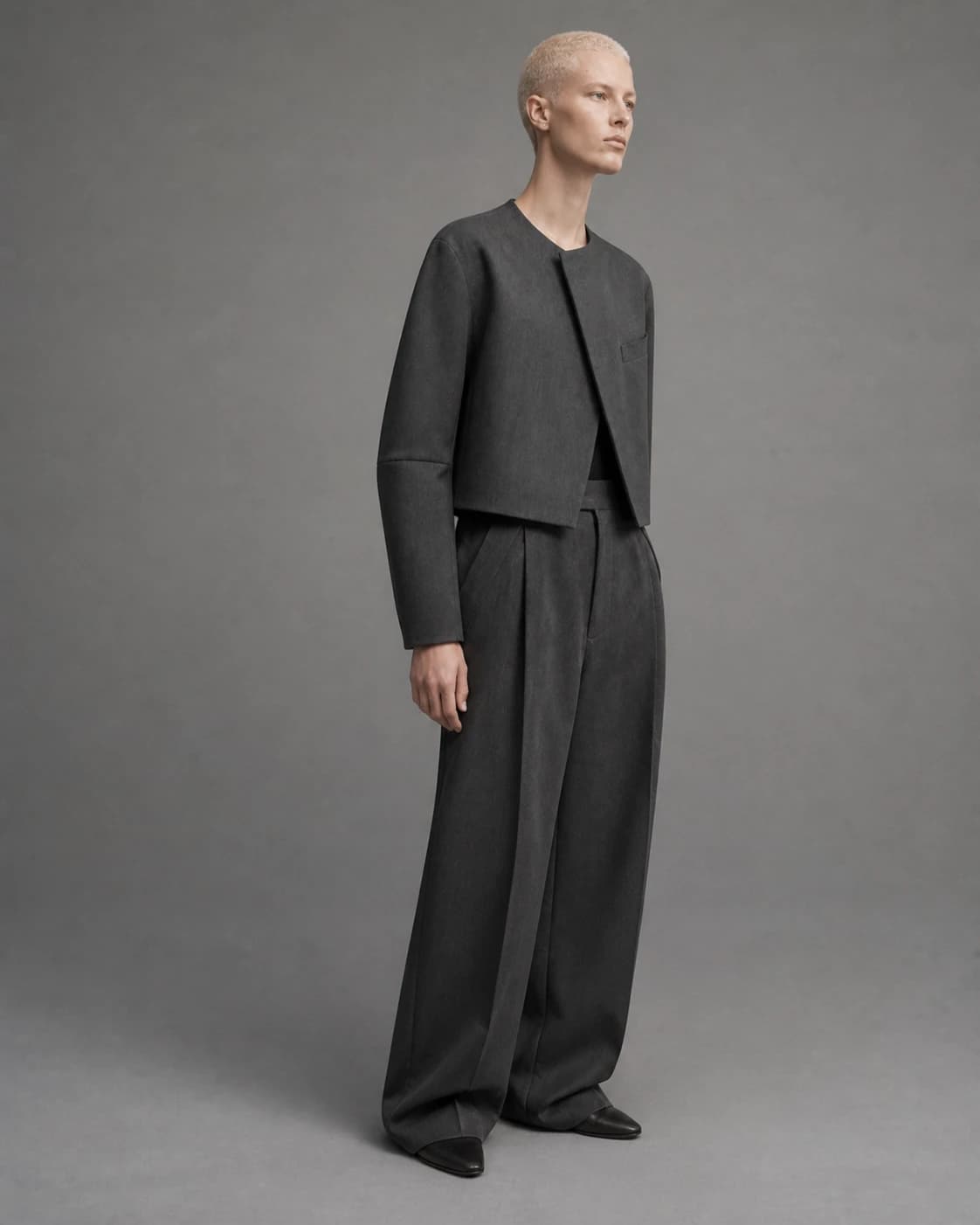
Color story for the collection
Drop in a reference or ask an agent to research one. Tabi extracts the color story and matches each color to its nearest Pantone TCX.
Compact cotton twill
Technical measurements
Ask an agent to add or revise specs, notes, and tolerances beside the garment.
Everything a working fashion canvas needs.
Use the tools directly or tell an agent what to research, generate, organize, or change. Every result stays editable on the canvas.
Compose
- Portrait, square, landscape, and wide artboards
- Notes, text, shapes, markers, links, images, audio, and PDFs
- Layer order, locking, duplication, and whole-canvas undo
- Pan, zoom-to-fit, and a 5% to 1600% zoom range
Refine
- Multi-select, align, distribute, and tidy
- Smart guides, grid snapping, and measured spacing
- Eyedropper sampling and grayscale value check
- Direct selection with editable anchors and handles
Develop
- Front and back garment flats with custom color
- Pantone-matched swatches and extracted color stories
- Fabric weave, fiber, weight, and supplier records
- Studio libraries for reusable flats, colors, and materials
Work together
- Live studio presence on every project canvas
- Node-level realtime sync that preserves parallel edits
- Pinned comments that can be moved and resolved
- Approved changes sync to the linked style and tech pack
Bring in linework. Keep it editable.
Import Illustrator, SVG, or PDF-compatible artwork, then ask an agent to clean linework, recolor styles, generate new views, or revise editable paths while preserving the original file.
FAQ
Fashion design tool questions.
What the canvas does, what it imports, what it exports, and where it stops.
What is Tabi’s fashion design tool?
A multiplayer design canvas built for garments rather than general graphics. You work with editable vector flats, Pantone-matched color, fabric and supplier records, measurement callouts, and artboards that commit straight into the collection. Zoom runs from 5% to 1600%, and undo covers the whole canvas.
Can I import Adobe Illustrator files?
Yes. Illustrator, SVG, and PDF-compatible artwork imports as editable paths, one flat per source artboard. Tabi keeps the original file alongside the editable version.
Can I draw technical flats in Tabi?
Yes. There is a pen tool with anchors and handles, direct selection, fills, seams, and topstitch, plus a library of garment flats to start from. Front and back views each carry their own color.
Why use Tabi instead of keeping design work in Adobe Illustrator or CLO 3D?
Tabi is purpose-built for the complete fashion design workflow, not a standalone drawing file. Create and edit detailed vector flats with pen tools, anchors, handles, direct selection, fills, seams, topstitch, front and back views, Pantone-matched color, materials, and measurement callouts. Then collaborate live, capture review decisions, and move the approved design directly into a production-ready pack. Illustrator artwork imports as editable paths, so existing files become part of the same connected workflow.
Can several designers work on the same design at once?
Yes. Presence shows who is on the canvas, sync happens per node so parallel edits survive instead of overwriting each other, and comments pin to the artwork so anyone can move or resolve them.
How do AI agents work on the design canvas?
Select a garment or reference and say what you want. An agent can generate a matching back view, a colorway, a visual direction, or a campaign asset. Results appear beside the source, stay editable, and can be committed to the collection as a Style.
How does color and material work?
Drop in a reference and Tabi extracts its color story, matching each color to the nearest Pantone TCX. Swatches sit next to fabric weave, fiber, weight, and supplier records in the studio library, so the same material is reused across styles instead of re-specified.
What can I export from the design canvas?
SVG, PNG, and JPEG, plus the retained original of any file you imported. A style committed to the collection carries further into a development pack as PDF, JSON, CSV, and SVG.
From a request to an editable result.